 CloudPhone
Blog
Cloud phone vs emulator vs old phone: which is cheapest for idling?
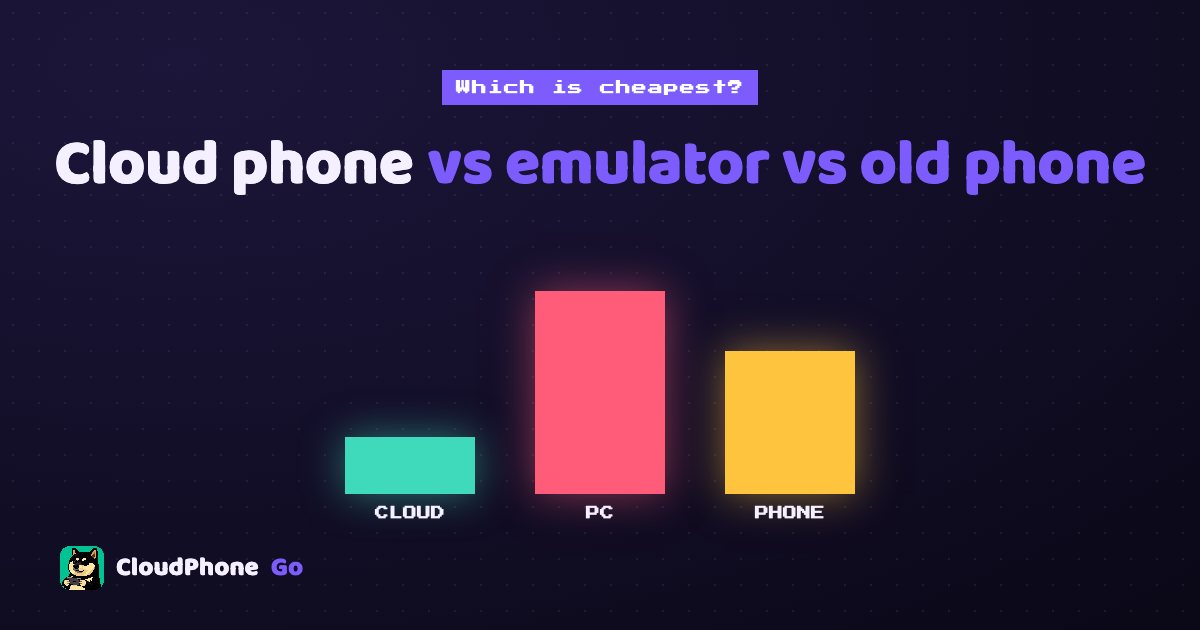
Idling costs more than a monthly fee. Count electricity, hardware and your time, then match your need (24/7, alts, iPhone only) to the right option.
Add CloudPhone Go as a preferred source on Google, and our new guides show up more often when you search for games and idle setups. One tap, and you can remove it any time.
Cloud phone vs emulator vs old phone: which is cheapest for idling?
To idle 24/7 without leaving a PC on, a cloud phone (Redfinger, LDCloud, CloudPhone Go and others) usually costs least overall, and you can check it from an iPhone. If your PC is on all day anyway, an emulator like NoxPlayer or BlueStacks adds the least. A spare phone is cheapest to start but must stay plugged in.
Most people compare idling setups by subscription price alone: the cloud phone costs money, the emulator is free, so the emulator wins. But the real cost also includes electricity, hardware wear, heat and noise, and the time you spend tied to one device. This post works out all three, then matches each to common needs: 24/7 idling, alts, location games, iPhone only, boss fights and the tightest budget.
What are the three options, and which products are in each?
All three keep a game running, but they work very differently. Here are the names you are most likely to have heard in each group.
- PC emulator: an Android emulator on your own computer, using your CPU, memory and electricity. Popular ones in Taiwan include NoxPlayer, BlueStacks, MuMu Player and LDPlayer. They are generally free to download, mostly Windows-first with some Mac versions, and most have a built-in multi-instance manager. To idle, the PC has to stay on.
- Cloud phone: an Android phone running in a provider's data centre that you control remotely, so the power and hardware are theirs. Common names are Redfinger, LDCloud, UgPhone, VMOS Cloud, and CloudPhone Go with its Taiwan data centre. CloudPhone Go works from Safari on iPhone or any modern browser on Android, Windows, Mac or Linux with no app to install, and keeps running 24/7 after you close the browser.
- Spare phone: an old phone (or one bought for the purpose) left on a charger with the game open around the clock.
In short, the differences are who pays for the power, who absorbs the wear, and whether you can check on your idle from somewhere else. Section 7 picks out the key differences between cloud phones; for the full specs see our cloud phone comparison table.
How much does each option cost per month?
| Item | Cloud phone | PC emulator | Spare phone |
|---|---|---|---|
| Hardware | 0 | PC you already own (extra if you build one for idling) | 0 if you have one, NT$5,000+ to buy |
| Monthly electricity (estimate) | 0 (not your power) | About NT$180 to 250 (100 W all day) | About NT$10 (5 W charging all day) |
| Software or subscription | CloudPhone Go from NT$419 a month billed yearly; others in section 7 | The emulator itself is usually free | 0 |
| Keeps running when your device is off | Yes | No | Only while it stays plugged in |
| Check it from an iPhone or another PC | Yes | No | Only on that phone |
How the electricity is estimated: Taiwan Power Company (Taipower) residential rates are tiered, with separate summer and non-summer prices. A typical household mostly falls in the middle tiers, so we use about NT$2.5 to 3.5 per kWh, running 24 hours for 30 days. A 100 W PC uses roughly 72 kWh a month, about NT$180 to 250. This is an estimate: in summer (June to September) or in a home that already uses a lot of power, the extra kWh land in a higher tier, and a PC with a dedicated GPU or several emulator instances usually draws more. Your own bill is the real number.
Players' own numbers are useful context, but treat them as estimates. In a Bahamut Lineage M board thread opened on 18 June 2026, asking whether emulator idling uses a lot of power, the starter sprite83277 runs two PCs (i7-12700KF with an RTX 3060 Ti), each with three LDPlayer instances, 24 hours a day. He put each PC at about 350 W and both at about 504 kWh a month, but that wattage is an estimate he got from AI, not a meter reading. Another reply estimated a single always-on PC at roughly 200 to 300 Taiwan dollars a month on their bill. Compared with our 100 W estimate, a PC with a dedicated GPU running several instances can plausibly draw several times as much.
CloudPhone Go is on Beta pricing. Starter (2 cores, 4 GB) is NT$489 monthly or NT$419 a month billed yearly. Standard (4 cores, 8 GB) is NT$929 monthly or NT$789 a month yearly. Performance (8 cores, 16 GB) is NT$1,749 monthly or NT$1,489 a month yearly. Every plan has 32 GB of storage. You can cancel any time and keep using it until the paid period ends.
What is the difference over a full year?
A full year makes the gaps easier to see. These estimates assume the most common case: one account, idling 24 hours a day.
| Scenario | Approximate yearly cost | Notes |
|---|---|---|
| CloudPhone Go Starter, yearly | NT$5,028 | No power bill, no hardware, viewable from any device |
| Emulator on a PC switched on only for idling | About NT$2,160 to 3,000 in electricity | Plus wear and noise; idle stops when the PC is off |
| Emulator on a PC that is on all day anyway | Close to 0 extra | Cheapest, but the idle is tied to that PC |
| Spare phone you already own | About NT$120 in electricity | You handle battery ageing, updates and game compatibility |
| Buying a phone just for idling | NT$5,000+ plus electricity | Most expensive in year one, cheaper later |
On money alone, a PC that is already on and a spare phone already in your drawer are the cheapest. But if your PC normally gets switched off, you want a quiet bedroom, or you want to check progress from your iPhone at work, the extra few thousand dollars for a cloud phone buys you freedom from babysitting hardware.
Which option fits which need?
Price is only half of it. This table starts from common idling needs: find yours, then read why.
| Your need | Best fit | Why |
|---|---|---|
| 24/7 idling | Cloud phone; spare phone second | A cloud phone does not depend on your PC or phone, so it keeps going when you switch off or go out. A spare phone can run 24/7 too, but it stays on a charger and needs you there when it freezes. An emulator needs the PC on all night. |
| Running alts | Cloud phone or emulator | On a cloud phone each account gets its own device and they don't share resources, but each extra device is another subscription. Emulator instances are free, but by the third or fourth one RAM and CPU are usually tight. Spare phones mean buying several phones. |
| GPS / location games | Walking with your own phone; for virtual location, check the cloud phone's features | CloudPhone Go has virtual GPS, a joystick and step simulation built in; emulators usually need extra setup or add-ons, and step counting rarely works. Note: the terms of Pokémon GO and Pikmin Bloom (published by Scopely since 2025) do not allow location or step simulation, so any use is at your own risk. |
| iPhone only | Cloud phone | An emulator needs a PC, and a spare phone means owning an Android phone. A cloud phone lets an iPhone run Android: CloudPhone Go works in Safari with no app, while Redfinger, LDCloud and UgPhone have iOS apps. |
| Boss fights, reflexes, low latency | Your own phone, or an emulator on your PC | Running locally skips the network stream, so input is most direct. A cloud phone needs a data centre close to you (Taiwan, for Taiwan players) to keep up, and many players still fight bosses on their own phone and leave the grind to the cloud phone. |
| Lowest budget | Emulator if the PC is on anyway; a spare phone if you have one | Both cost almost nothing extra. Among paid cloud phones, a Bahamut forum report puts LDCloud K10 at about NT$180 a month, though it publishes no latency figures and pushes its app. |
Plenty of players mix them: the main account on their own phone, alts idling on a cloud phone. A Bahamut Lineage 2M board player, 西禾古月, put it simply back in 2021: cloud phones are just for idling, and quests and bosses happen on their own phone. The cloud phone does the grind, you do the fun part.
Day-to-day differences: PC on, heat, iPhone, detection, alts
These are the practical questions people ask most before they pick one.
| Practical question | Cloud phone | PC emulator | Spare phone |
|---|---|---|---|
| Does the PC have to stay on? | No | Yes, switching off stops the idle | No PC, but the phone stays plugged in |
| Heat and noise | In the data centre, not your home | Fan noise and a warmer room, more with a dedicated GPU | The phone gets warm; watch the battery on long charging |
| Control from an iPhone | Yes | No (you need to be at the PC) | No, only on that phone |
| Game detection or limits | Some games may limit cloud environments too, so test first | Some games detect emulators and may limit features or ask for extra verification | An ordinary phone, the fewest doubts |
| How many accounts | As many devices as you subscribe to, one each | Limited by your RAM and CPU | Limited by how many phones you own |
- PC on all day: besides power, there is wear on the graphics card and drives. Shut it down to sleep or before leaving home and the idle stops.
- Multiple emulator instances: two or three alts need a lot more RAM and CPU, and they compete with anything else you do on the PC.
- Spare phone: months on a charger can swell the battery, a screen left on risks burn-in, and an old Android version may fall behind what new game versions require.
- Game detection: an emulator runs Android on a PC, and some games check for that. A cloud phone runs ARM Android, the same architecture as a phone, but that does not guarantee every game is fine. Testing your own game on it is the surest check.
- Your connection dropping: a cloud phone's idle does not depend on your network. If you drop, it keeps running and you pick up where it is when you reconnect.
Check the rules as well, taking Lineage M as an example. Article 5 of the Lineage M game management rules from Gamania, its Taiwan operator, bans players from using any non-official program to play on a phone, computer or tablet, naming tools with sync, linking, multitasking, clicking or assist functions, whether physical objects or software; violators have their service contract terminated. The multi-instance sync found in emulators (act in one window and the others copy it) falls under that wording, and so do sync control, scripts or AI automation offered by cloud phone services, so do not use CloudPhone Go's AI or guide automation on Lineage M either. The game's built-in auto-hunt is fine, and a cloud phone just runs the official app. Other games have their own rules, so follow each operator's announcements.
How do cloud phones compare? Redfinger, LDCloud, UgPhone, VMOS Cloud
If you go with a cloud phone, the next question is which one. The points below come from each provider's website and public sources, checked 2026-10-07; prices and features may have changed, and their sites prevail. The full side-by-side is in our cloud phone comparison table. Free trial terms for each provider are in free cloud phones: what is out there.
- Redfinger: has a Taiwan node, but Bahamut players report it is often full with a queue; web version available but the app is the focus, with an iOS app; 6-hour free trial. Third-party listings put its monthly plan below CloudPhone Go Starter; official prices require login.
- LDCloud: multiple regions, web version but app-first, iOS app, multi-instance sync and virtual-scene location. A Bahamut forum report puts K10 at about NT$180 a month; official prices require login, and its plans page says new users can try it free, length not stated.
- UgPhone: has a Taiwan node, needs its app, plans from 3 to 8 cores, free trial, length not stated, prices behind login.
- VMOS Cloud: Hong Kong data centre, web version, no iPhone app; the site lists plans from US$4.99 per 30 days.
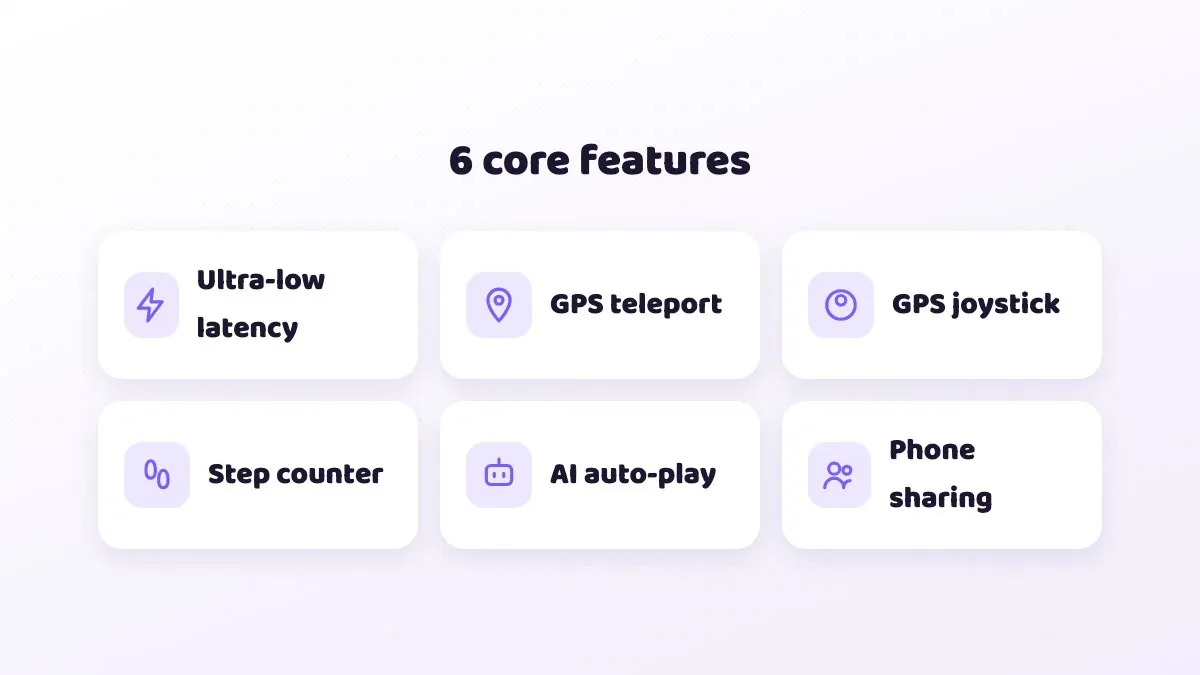
- CloudPhone Go: Taiwan data centre and Taiwan team, browser-only on every platform including Safari on iPhone, 2/4/8 dedicated cores, built-in virtual GPS, joystick, step simulation and AI auto-play.
None of the others publish a Taiwan latency figure. CloudPhone Go measured a median under 10 ms from Taiwan fibre and 5G in September 2026, and your own network will vary. For what latency numbers mean and why server location matters, see "Cloud phone latency explained: RTT, packet loss and FPS".
How do you work out the cheapest option for you?
- Pin down your needs: how many accounts, whether you need 24/7, whether you want to check from your phone while out, and how heavy the game is.
- Check your electricity bill: see which tier your usage falls in. Summer and non-summer rates differ.
- Estimate your PC's power draw. Start at around 100 W for idling and add more for a dedicated GPU or multiple instances. Watts times 24 hours times 30 days, divided by 1,000, gives kWh per month.
- Multiply kWh by your rate for the monthly cost, then by 12 for the year.
- If you need to buy a phone or upgrade the PC, spread that cost over the months you expect to use it.
- Compare against the cloud phone's yearly price, multiplied by the number of devices for alts, then weigh noise, switching off and checking from outside.
- Still unsure? Start with one monthly plan and idle your actual game; you can cancel renewal any time.
Common mistakes when comparing idling setups
- Counting the subscription but not the power bill. An emulator is free, but a PC running all day is not, especially if it is only on for idling.
- Ignoring the cost of alts. One account and three accounts are very different loads. Emulators eat PC resources, spare phones mean more phones, and cloud phones mean one subscription per device.
- Comparing cloud phones on price only. Where the data centre is, whether latency is published, whether you need an app and how long the trial is all shape the real experience.
- Picking the wrong cloud phone plan. For one light game, Starter is usually enough. Look at Standard or Performance only for heavy 3D games.
- Thinking the browser must stay open. With CloudPhone Go you can close the browser or lock your own phone, and the cloud phone keeps running.
- Forgetting about your network. Corporate VPNs or strict firewalls can block direct WebRTC, and old browsers without WebCodecs cannot play the stream. Test on the network you actually use.
FAQ
Q: Is a cloud phone really cheaper than an emulator? A: It depends. If your PC is on all day anyway, the emulator adds the least. If the PC is only on for idling, a year of electricity starts around NT$2,160 before wear, not far from the NT$5,028 CloudPhone Go Starter yearly price, and the cloud phone needs no babysitting.
Q: Should I idle mobile games on an emulator or a cloud phone? A: If you play at your desk and the PC is on anyway, an emulator such as NoxPlayer, BlueStacks, MuMu Player or LDPlayer is fine. If you want 24/7 idling, a PC you can switch off at night, or checking from an iPhone, a cloud phone fits better.
Q: Which cloud phone should I pick? A: If you play in Taiwan, care about latency and want to use an iPhone without installing an app, try CloudPhone Go first. For the cheapest plain idling, LDCloud or Redfinger are options. See the cloud phone comparison table for the details.
Q: Is idling on an old phone risky? A: Months on a charger can age or swell the battery. Keep it somewhere ventilated, don't cover it, and check it regularly. If the battery is visibly swollen, stop using it.
Q: Does the cloud phone keep running after I close the browser? A: Yes. CloudPhone Go phones run 24/7 in the Taiwan data centre. Closing the browser or losing your connection doesn't stop them, and you pick up where it is next time.
Q: Which plan should I choose? A: One light game usually runs fine on Starter. For heavier 3D games, consider Standard. If you are not sure, start on Starter monthly and upgrade if you need more.
Sources
- Taipower electricity rate tables (tiered residential rates, summer 1 June to 30 September)
- Bahamut Lineage M board thread on emulator idling power use, from 2026-06-18 (Chinese)
- Bahamut Lineage M board, cloud phone thread, reply of 2025-01-03: LDCloud K10 about NT$180 a month (Chinese)
- Bahamut Lineage 2M board, "Has anyone used a cloud phone?", reply by 西禾古月 (2021-03-23, Chinese)
- Bahamut Ragnarok X board, Redfinger idling post (2020-11-22): Taiwan servers full, 300+ waiting (Chinese)
- Lineage M game management rules, Articles 5 and 17 (Gamania beanfun)
- Scopely Explore (formerly Niantic) Terms of Service, section 3.1 Cheating
- Savvy Games Group: Scopely completes acquisition of Niantic's games business, incl. Pokémon GO and Pikmin Bloom (2025-05-29)
About CloudPhone Go: it is a cloud phone service. Your game runs on a dedicated, real Android phone in a Taiwan data center and keeps going after you turn off your computer or phone.