 CloudPhone
Blog
Lineage M idle guide: 24/7 auto-hunt on a cloud phone
Lineage M's auto-hunt is built for long sessions. Put it on a cloud phone, work through the potion, resupply, death and PvP checklist, and keep farming with your PC off.
Add CloudPhone Go as a preferred source on Google, and our new guides show up more often when you search for games and idle setups. One tap, and you can remove it any time.
Setup steps and recommended plan: Lineage M game guide →
Can you idle Lineage M 24/7 on a cloud phone?
Yes. The easiest way to idle Lineage M overnight is to install it on a CloudPhone Go cloud phone, set the auto-hunt potion threshold, auto-resupply and death handling (see the checklist below), then close the browser. The game keeps running in a Taiwan data centre 24/7, and your own phone and PC can be switched off.
To be clear about which game this is: Lineage M is a mobile MMORPG developed by NCSOFT and released in 2017. In Taiwan it is operated by Gamania (遊戲橘子) on beanfun. It is a different game from the PC Lineage, Lineage Remastered or Lineage Classic, and accounts and progress generally do not carry over between them (check the official announcements for details).
A cloud phone is a real Android phone in a data centre that you control from any browser. It never runs out of battery, never overheats and never burns in its screen, which suits a game whose auto-hunt was built for long sessions. CloudPhone Go actually started with Lineage M: 胖胖 used to idle it on overseas cloud phones, the lag from Taiwan meant he never slept easy, so we built one in Taiwan.
Cloud phone or a PC emulator (NoxPlayer, BlueStacks) for overnight idling?
Most idle guides in Taiwan tell you to run NoxPlayer or BlueStacks on your PC. That works, and the software is free. The difference is whether the machine doing the idling has to stay on, and whether you can see it when something goes wrong.
| What matters | Cloud phone (CloudPhone Go) | PC emulator (NoxPlayer, BlueStacks, etc.) |
|---|---|---|
| Does your PC stay on? | No, the game runs in the Taiwan data centre | Yes, all night, fans included |
| Overnight surprises | A watchdog tries to recover the device if it hangs | Windows updates, sleep mode or a power cut stop the game |
| Checking from outside | Any phone or office browser can view and control it | You need remote desktop, and emulators are awkward on a phone |
| Running alts | One account per device, each independent | Every instance shares one PC's CPU and RAM |
| Cost | A monthly fee, no PC left running at home | Software is usually free, plus electricity and wear |
| Best for | Idling all night or all day without a PC on | PCs that are on 24/7 anyway, or idling only while you sit at it |
Put simply: if your PC is on around the clock anyway, an emulator costs nothing extra. If you would be leaving it on just to idle, a cloud phone is less hassle. The full electricity and hardware maths is in Cloud phone vs emulator vs spare phone: which is cheapest to idle?, so we will not repeat it here. For the Taiwan version of Lineage M, Gamania's announcements set the rules, and emulator multi-instance sync features fall under what its rules ban (see the game rules section below).
It is worth hearing from other players too. In a June 2026 thread on the Bahamut Lineage M board asking whether emulator idling uses a lot of power, player A7518480 (19 June 2026) said he idles one character on LDCloud (雷電雲手機): he can check on it from his phone any time and does not have to think about the power bill, but switching to another character on the same account often disconnects. That is a different cloud phone, not CloudPhone Go, but it sums up cloud phones fairly: always visible and off your power bill, while connection stability and character switching are worth testing yourself.
What you need, and 6 steps to move Lineage M to a cloud phone
- A CloudPhone Go plan and a Google account to sign in.
- Your Lineage M account. Check how it is linked and that you know the login, so you are not locked out on the cloud phone.
- Enough Adena for auto-resupply to keep buying potions and scrolls all night.
- A farming spot you have already cleared by hand and know you can handle.
- Open cloudphonego.com in any browser, sign in with Google and start your cloud phone.
- Open Google Play on the cloud phone and install Lineage M. The first resource download takes a while.
- Log in to your character and turn graphics down. Idling does not need high settings.
- Go to your farming spot, turn on auto-hunt and work through the checklist in the next section.
- Watch for 10 to 15 minutes: does the character fight, drink, go back to town to restock and return?
- If it all works, close the browser tab. The cloud phone keeps idling in the Taiwan data centre.
Step 5 is the one people skip and the one most worth doing. Most nights that fall apart were broken from the start; nobody was watching.
Lineage M auto-hunt settings: what to check for a safe night
The setting names below come from the Lineage M Daboutie (天堂M大補帖) auto-hunt guide (2017), the official Lineage M Facebook page's beginner training (2026) and the Bahamut Lineage M board. Labels and menus may change after updates, so go by what the game shows:
- Potions: tap the Potion (藥水) icon at the top of the game screen, switch both potion-use settings to ON, turn the PVP option ON too, and drag the slider to the HP and MP percentage below which the character drinks. The more dangerous the spot, the higher the threshold. Over-drinking beats dying.
- Auto-buy and return to town: the character should go back to buy potions or scrolls before they run out, then return. This is your overnight lifeline; keep Adena for at least two rounds.
- Hunting range: in Settings (設定) → Auto-hunt (自動狩獵), Move range per step (探索1次移動範圍) goes from 1 to 6 cells and sets how far the character moves in one direction each step. Search range (探索範圍) is measured around the spot where auto-battle started, with a minimum of 30 cells, or unlimited. A smaller range keeps the character from chasing monsters into crowded or more dangerous areas.
- Polite mode (禮貌模式): also under Auto-hunt. When on, the character only fights monsters it hit first. The Daboutie guide recommends it for looting closed dungeons.
- Death handling: auto-dungeons (自動副本) have an option to keep auto-play going after death (死亡時保持自動進行). With it on, the character buys potions and flies back after dying, so if someone keeps killing it, it can die again and again all night. For unattended overnight runs, leave it off unless the spot is safe. The same goes for ordinary hunting spots: a quiet spot you can handle matters more than an automatic return after death.
- Weight and inventory: a heavy load usually slows natural recovery or worse, and a full bag stops looting. Clear the bag, sell junk, and set looting to Adena and the materials you actually want.
- Player attacks: nobody can react at night, so rather than relying on the character to cope, choose a quiet spot and make sure the PVP option in the potion settings is on.
The Daboutie guide's range suggestions by map type (from 2017, so treat them as a starting point):
- Open maps for Adena, such as Mirror Forest (鏡子森林) or Dragon Valley (龍之谷): Move range 1 cell, Search range 30 cells.
- Closed dungeons for loot, such as Giran Dungeon (奇岩地監) or the upper floors of Gludin Dungeon (古魯丁地監): Move range 1 cell, Search range 30 cells, Polite mode on.
- Closed maps with no fixed spawn points, such as the Ant Cave (蟻洞): Move range 3 cells, Search range 60 cells or unlimited.
Lineage M has open PvP, and dying usually costs experience and can drop items. Choose quiet spots with monsters you can handle rather than fighting over the popular ones for a little extra efficiency.
What players say: Lineage M has its own offline idle mode that keeps hunting after you close the game, but players on the Bahamut Lineage M board point out its limits. In a September 2026 thread, the poster reports that after the 9 September maintenance the Taiwan server changed offline idle from 8 hours a day to 60 hours a week (a player report citing the official site, which we have not verified ourselves; check the in-game notice). Replies add that offline idle stops at maintenance, or once the character dies more times than its revive allowance. In a March 2026 thread, a player who tested the same spot says offline idle killed about 400 fewer monsters than leaving the game running, with fast-attacking classes losing more, and another says his character dies soon after going offline but not when he idles in power-saving mode. These are individual player reports, not official figures. The usual pattern is to save offline hours for when you need your phone, and keep the game running with auto-hunt the rest of the time. That second part is what a cloud phone does: the game stays open on a phone in the data centre and your offline hours stay untouched.
Worked example: an Elf idling a dungeon overnight
This is a way of thinking, not a fixed build. Map difficulty, spawns and crowds change with updates and differ by server, so go by what you can actually handle.
- Character and spot: say a sturdy Elf (an archer who can fight at range) in a dungeon you have already cleared by hand and where monsters do not pile up, such as Giran Dungeon (奇岩地監) or a floor of Gludin Dungeon (古魯丁地監) you can handle. For more safety margin a Knight works too, with thicker HP and defence.
- Count potions: during the 15-minute check in step 5, count how many you drink. Multiply by 4 for an hour, then by the hours you plan to idle (11 pm to 8 am is 9 hours), then add 50% as a buffer. If you cannot carry that many, auto-resupply covers the rest, so keep enough Adena.
- Potion settings: tap the Potion (藥水) icon, switch both use settings and the PVP option to ON, and start the HP slider conservative, drinking once HP falls a little past half. Lower it after a night that goes well.
- Auto-hunt range: following the Daboutie advice for looting closed dungeons, set Move range per step (探索1次移動範圍) to 1 cell, Search range (探索範圍) to 30 cells and turn Polite mode (禮貌模式) on, so the character stays in the area where you started.
- When to go back to town: trigger the trip with roughly 15 minutes of potions left, not at zero.
- Weight: leave with your load under half and filter out worthless drops.
- PvP and death: with nobody watching, a player who targets you is hard to deal with, so pick a quiet floor. If you switch to an auto-dungeon, leave the keep-going-after-death option (死亡時保持自動進行) off overnight so the character does not keep flying back to be killed.
- Look before bed and after waking: confirm the loop works before you sleep, then open the browser in the morning and see whether experience and Adena went up. If not, go to the mistakes table below.
Which plan gives the best value for Lineage M?
| Use case | Plan | Beta monthly | Beta yearly per month |
|---|---|---|---|
| One character auto-hunting overnight (main or buffer alt) | Starter, 2 cores 4 GB | NT$489 | NT$419 |
| A main plus one buffer alt, each idling on its own | 2 x Starter | NT$978 | NT$838 |
| Switching to a heavier 3D game such as Lineage W | Standard, 4 cores 8 GB | NT$929 | NT$789 |
Every plan includes 32 GB of storage and dedicated resources on a flagship 8-core ARM processor. Lineage M's resource files are large, but 32 GB is usually enough.
A common pledge setup is one Starter for the main and one Starter for the buffer alt (in our tests Starter runs one Lineage M character fine), each idling on its own with the built-in auto-hunt and no account switching. Do not use sync or multi-control tools to drive several characters at once; Article 5 of the game's rules bans them. During the beta, monthly and yearly prices are about an extra 10% off and you can cancel any time; after cancelling renewal you keep the service to the end of the paid period, and fees already paid are not refunded.
How do you keep an eye on Lineage M from work or on the go?
The worst thing about idling is a problem nobody sees. Because CloudPhone Go opens the same cloud phone from any browser, you can:
- Check at lunch in Safari or Chrome on your phone: is the character still at the spot, are potions holding up?
- On iPhone, add it to the Home Screen for one-tap access, or use picture-in-picture to keep it in a corner.
- Answer a pledge call by playing by hand in the browser, then switch back to auto-hunt.
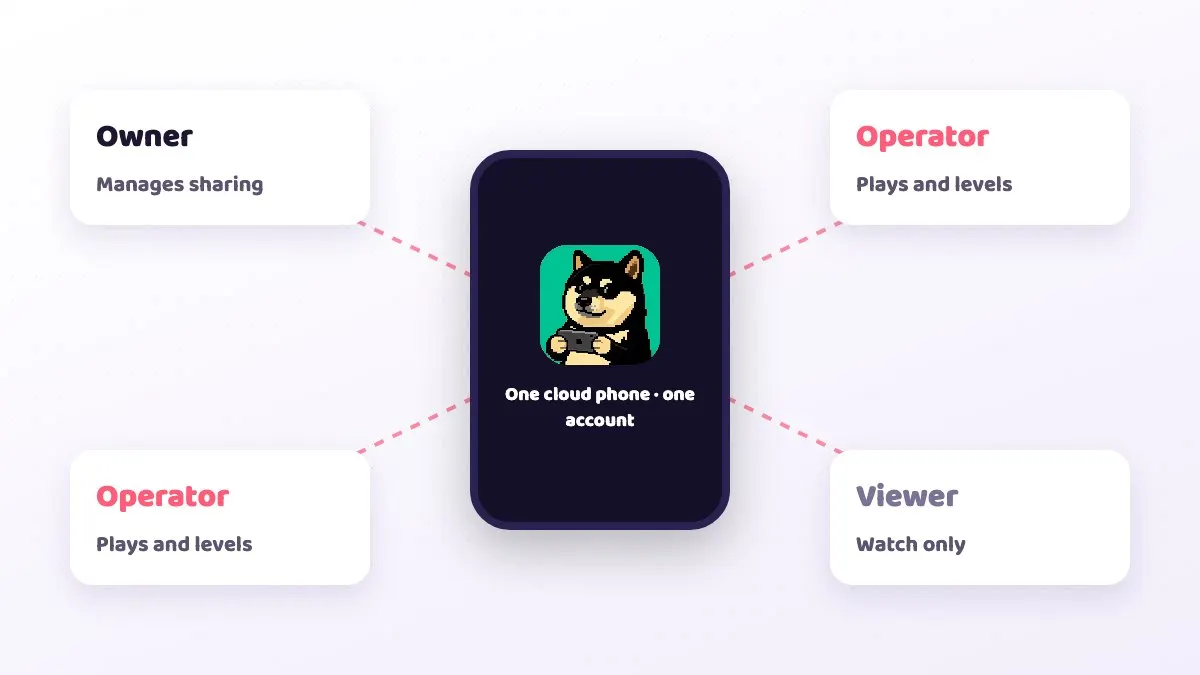
- Share the device with a trusted friend as a viewer to glance at it, or as an operator to control it. Check the game's rules on account use first.
Several connections can be open at once, so you can watch from the office and pick it up on your home PC later. If the stream feels slow, check the RTT, packet loss and FPS in the connection indicator; Cloud phone latency explained: RTT, packet loss and FPS covers how to read them.
Common idle mistakes, game rules and risk
| What you see | Usual cause | How to avoid it |
|---|---|---|
| Character is in town in the morning | Killed by monsters or players, or potions ran out without resupply | Raise the potion threshold, enable auto-resupply with enough Adena, and pick a quieter spot |
| Character standing still | Full bag, too much weight, or stuck on terrain | Clear the bag before leaving and pick a spot with simple terrain |
| Back at the login screen | Scheduled maintenance, an update, or the same account logged in elsewhere | Log in again and restart auto-hunt after maintenance; do not log in to the same account on your phone while idling |
| Whole cloud phone unresponsive | The game or device has hung | Reboot from the control bar; the watchdog also tries to recover it |
| Stream laggy or controls slow | Your local network | Check the RTT, packet loss and FPS indicator; the game keeps running in the data centre |
On the rules: Lineage M is developed by NCSOFT and operated in Taiwan by Gamania on beanfun, so Gamania's announcements set the rules for the Taiwan version. Article 5 of its Lineage M game management rules (《天堂M》遊戲管理規章) says that on any device, phone, computer or tablet, players may not use any non-official program to play, naming tools with sync, linking, operation-optimising, multitasking, clicking or assist functions, whether physical objects or software; violators have their service contract terminated. Article 17 lists cheat programs as a major violation, with the character frozen for 7 days first.
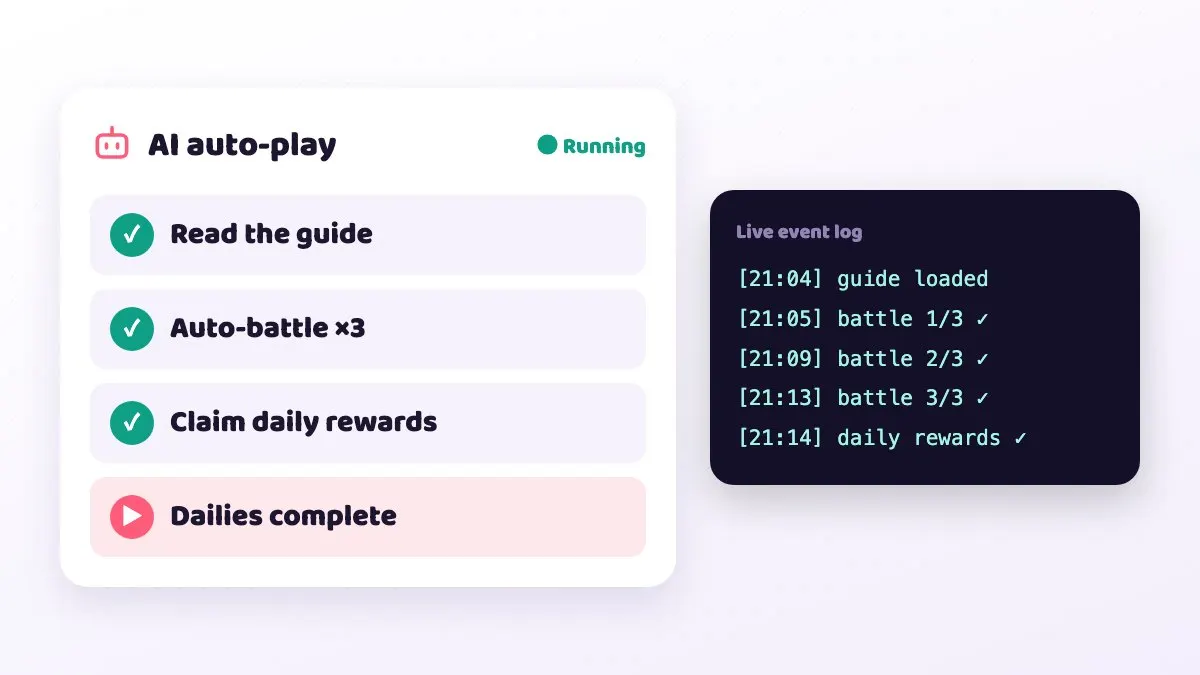
In practice: the game's built-in auto-hunt is fine, and a cloud phone just runs the official app, the same as idling on your own phone. Third-party scripts, macros, sync or multi-control tools, and AI or guide-marketplace automation all count as non-official programs. So do not use CloudPhone Go's AI auto-play or guide automation on Lineage M; stick to the built-in auto-hunt. We also cannot guarantee how any account will be treated.
What players say: when the game will not connect after a patch, the cause is sometimes compatibility between the game and certain devices, not your internet. In a 6 November 2026 thread on the Bahamut Lineage M board, a player says that after the 4 November maintenance (version 1.8.64) several Android 16 tablets and phones kept showing "disconnected from server" at login; support suggested trying another device, other players reported the same, and one said on 11 November it was still not fixed. If this happens, check the official notices and Bahamut for other reports before switching devices or waiting for the next maintenance. We have not tested this issue. If a disconnect cuts an overnight session short, log back in and restart auto-hunt in the morning.
Which other mobile games are good for idling? The CloudPhone Go idle round-up
Lineage M is only one of them. Here are the idle-friendly games on CloudPhone Go, what each one idles, and where to read more:
| Game | What it idles | Suggested plan | Where to read more |
|---|---|---|---|
| Lineage M | Auto-hunt at a farming spot, potion auto-buy, timed dungeons | Starter | This post |
| Lineage W | Auto-hunt in safe zones, materials and Adena | Standard (the 3D world is heavier) | The Lineage W page in our game guides |
| MapleStory M | Daily auto-battle time, mini dungeons, link-skill alts | Starter | MapleStory M alts and link skills |
| Ragnarok X: Next Generation | Auto-battle through the daily battle time, overnight material farming | Standard | The Ragnarok X page in our game guides |
| Whiteout Survival | Build, research and training queues, farm-account gathering | Starter (main city and farms) | Whiteout Survival farm accounts 24/7 |
| Last War: Survival | Queues, farm-account gathering, alliance duel tasks | Standard main, Starter farms | The Last War page in our game guides |
| Monopoly GO! | Spending refilled dice on live events, sticker-trading alts | Starter | Monopoly GO! on a cloud phone: never waste dice |
| AFK Journey | Collecting idle rewards before they cap, auto-battle pushing | Starter | The AFK Journey page in our game guides |
On the other hand, Tower of Saviors and Arena of Valor have no auto mode, and Genshin Impact has no auto-battle. On a cloud phone their value is playing from any screen and keeping alts, not unattended idling.
FAQ
Q: Does Lineage M auto-hunt stop when I close the tab? A: No. Only the video to your screen stops; the cloud phone keeps running in the data centre.
Q: Is Lineage M the same as Lineage Classic? A: No. Lineage M is NCSOFT's 2017 mobile game, operated in Taiwan by Gamania; Classic and Remastered belong to the PC Lineage. The settings in this guide are for Lineage M only.
Q: Can I check on it from work? A: Yes. Open the same cloud phone from your phone or office browser to move spots, restock or answer a pledge call. A corporate VPN or strict firewall may block the connection; mobile data usually works.
Q: Can one cloud phone run two accounts? A: One account per device is the most stable and easiest to manage. Lineage M generally does not support two characters running on the same device at once.
Q: Will idling on a cloud phone get me banned? A: The cloud phone is a real Android device that only runs the official app, and the built-in auto-hunt works the same as on your own phone. Third-party scripts, macros, sync or multi-control tools and AI automation count as banned non-official programs under Article 5 of the game's rules. We cannot guarantee how any account will be treated.
Q: Can I try it first? A: There is no standing free trial; the beta is by application. Monthly plans can be cancelled any time, and you keep using the service until the end of the paid period; fees already paid are not refunded.
Q: Lineage M already has offline idle. Why keep the game running? A: Offline idle is capped. Bahamut players citing the official site report that the Taiwan server allows 60 hours a week since September 2026; that is a player report we have not verified ourselves. It also stops at maintenance or after too many deaths, and some players measured fewer kills offline than with the game running. Auto-hunt with the game open is not limited by that allowance; a cloud phone keeps the game open while your own phone and PC are off. Gamania's notices are the final word.
Sources
- Gamania investor relations: Lineage M Traditional Chinese version launches 11 December (2017-11-20)
- Lineage M game management rules, Articles 5 and 17 (Gamania beanfun)
- Lineage M Daboutie: auto-hunt settings guide for bow users (2017-12-21, Chinese)
- TechNews: Lineage M returns with built-in auto-hunt (2017-12-12, Chinese)
- Bahamut Lineage M board thread on emulator idling power use, from 2026-06-18 (Chinese)
- Apple Support: add a website icon to your iPhone Home Screen in Safari
- Apple Support: multitask with Picture in Picture on iPhone
- Bahamut Lineage M board, "Taiwan server offline idle time change" (2026-09-08, Chinese)
- Bahamut Lineage M board, "Fewer kills with offline idle?" (2026-03-31, Chinese)
- Bahamut Lineage M board, "Phones and tablets cannot play Lineage M after the maintenance update" (2026-11-06, Chinese)
About CloudPhone Go: it is a Taiwan cloud phone service. Your game runs on a dedicated, real Android phone in a Taiwan data center and keeps going after you turn off your computer or phone.