 CloudPhone
Blog
Pikmin Bloom step counter guide
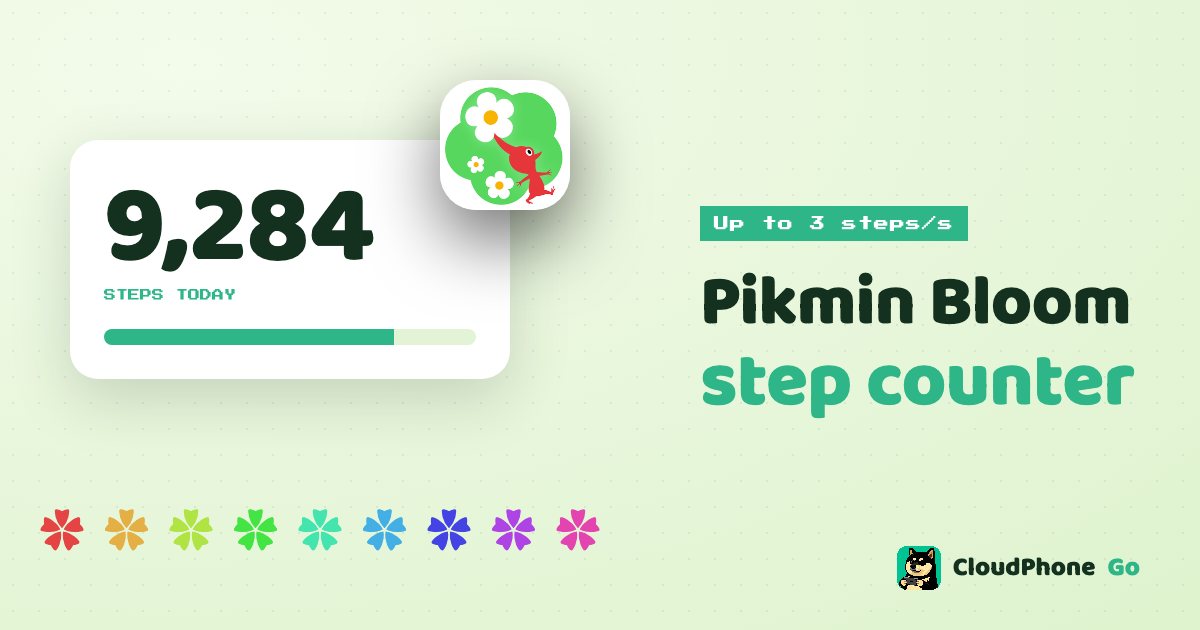
No need to walk 10,000 steps. The cloud phone simulates steps while the GPS moves at walking speed, and Pikmin Bloom counts them.
Add CloudPhone Go as a preferred source on Google, and our new guides show up more often when you search for games and idle setups. One tap, and you can remove it any time.
Setup steps and recommended plan: Pikmin Bloom game guide →
Can a cloud phone count steps for Pikmin Bloom?
Yes. When CloudPhone Go's virtual GPS moves at walking speed, it simulates matching steps, capped at 3 per second, and the GMS pedometer permission is already granted, so Pikmin Bloom counts them with no extra setup. Simulating steps and location is against the game's terms of service, so weigh the risk yourself.
The usual Pikmin Bloom problem is simple: you sit at a desk all day, get home, and find you walked 2,000 steps and not a single seedling grew. A cloud phone lets a real Android phone in a Taiwan data centre do the walking while you control it from a browser, Safari on iPhone included.
This guide covers how Pikmin Bloom reads steps, how step simulation works, setup, how long to walk each day, and what the terms say: step simulation breaks the game's terms, and nothing below makes it allowed or safe.
How does Pikmin Bloom count steps, and what are they for?
Pikmin Bloom is the walking game created by Niantic and run by Scopely since 2025, and steps drive almost all progress. On Android it has read steps through Google Fit, and the developer says it is moving to phone tracking or Health Connect during 2026 (see troubleshooting below); as long as the system records steps, the game generally syncs them.
- Seedlings: seedlings need a set number of steps to grow into Pikmin, commonly 1,000, 5,000 or 10,000 steps depending on the type.
- Flowers: walking scatters petals and leaves a flower trail, the main way to finish daily goals and event tasks.
- Expeditions: Pikmin you send out bring back postcards and items, and their return is tied to walking too.
- Mushrooms and events: the more you walk, the more you get out of mushroom battles and community events.
Steps are not just a number; they are your growth rate. That is why Pikmin Bloom players care so much about building steps steadily every day.
How does CloudPhone Go's step simulation work?
Step simulation does not inject a lump sum. It is tied to the virtual GPS: while the location moves at walking speed, the system generates steps, and when the location stops, steps stop too. The movement the game sees and the step count line up.
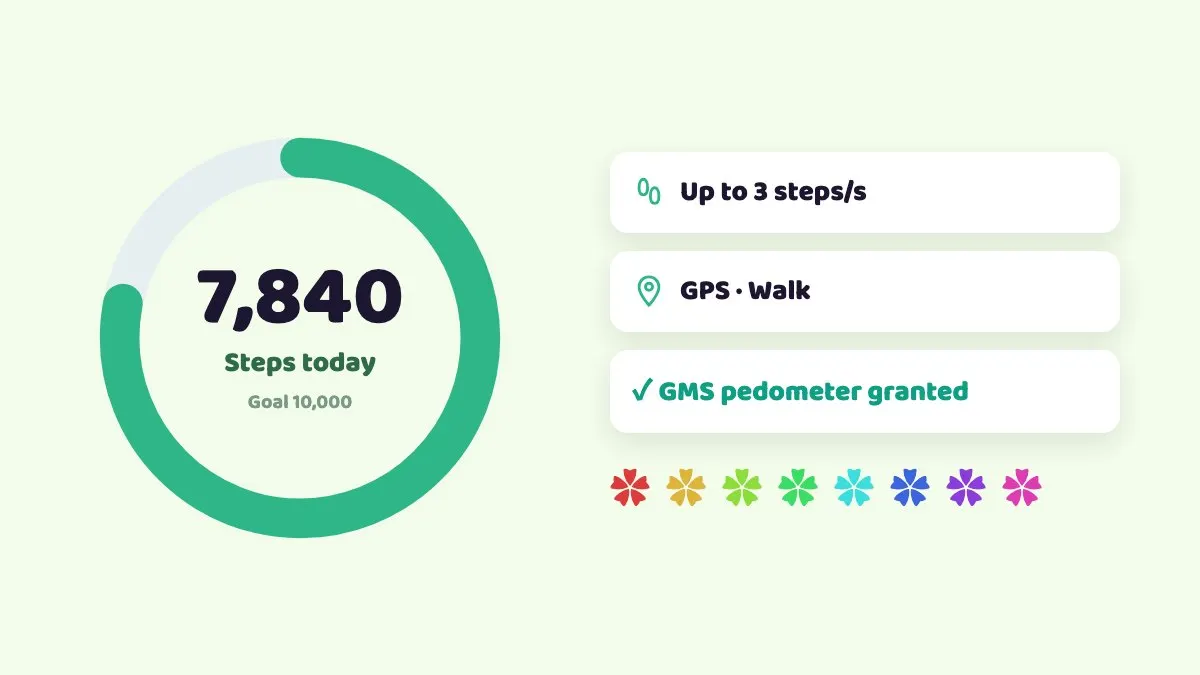
- The cadence is capped at 3 steps per second (180 per minute), which is closer to a running cadence than a walk.
- The GMS pedometer permission is pre-granted, so pedometer games like Pikmin Bloom need no extra setup.
- Move with the on-screen joystick or WASD on a keyboard. Speeds are walking, cycling, driving or custom; use walking to build steps.
- The cloud phone keeps running 24/7 after you close the browser, so the game is not killed when you close the tab.
Because all of this happens on a separate Android device, your own phone is untouched. There is nothing to install, no developer settings to change, and your own phone stays free for everything else. From a laptop, WASD is the easiest way to walk; on an iPhone, drag the joystick with your thumb.
How do you set it up, from install to flower trail?
- Open CloudPhone Go in your browser and enter your cloud phone.
- Open the built-in Google Play and install Pikmin Bloom.
- Sign in to your game account.
- On first launch, allow the location and physical activity permissions.
- Tap GPS on the control bar and pick a start point, such as a park or riverside path near home.
- Set the speed to walking and move along the path with the joystick or WASD, checking that the in-game step count rises.
- Turn on flower planting so the trail grows along your route.
- Stop when you hit today's goal and close the browser; the cloud phone stays on.
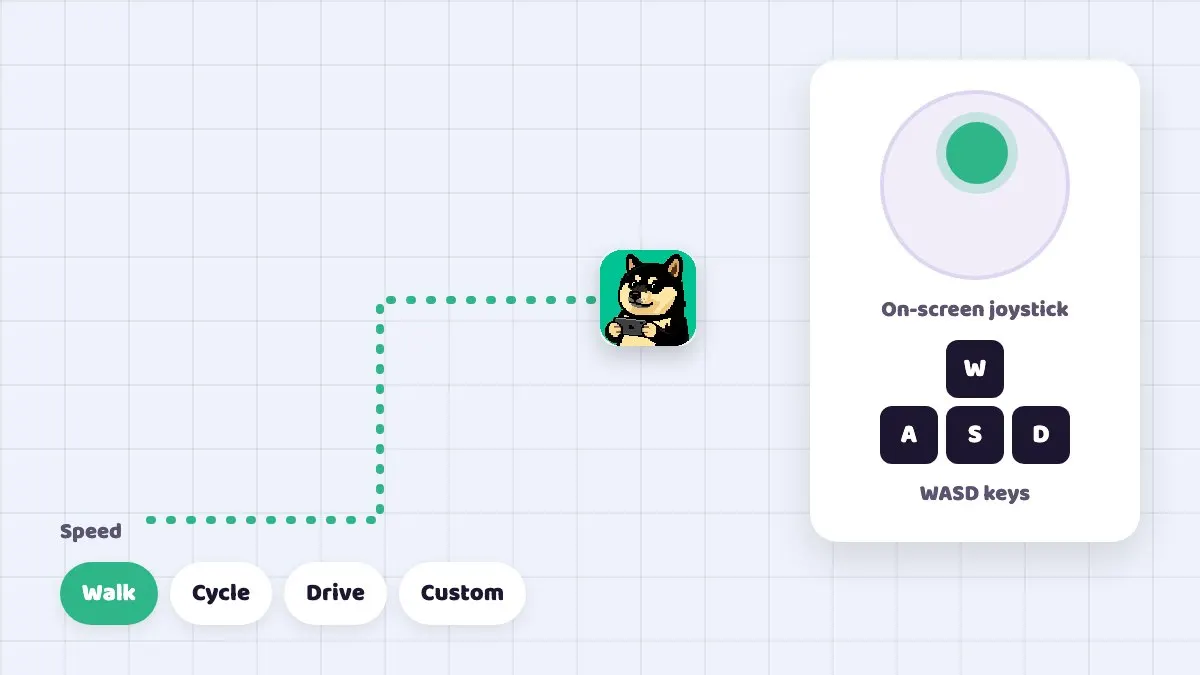
The joystick only moves while you use it; let go and both the location and the steps stop.
How long should you walk? Steps versus time
The cap is 3 steps per second, or 180 per minute. Around 2 steps per second is a typical strolling pace. The table below is simple arithmetic to help you plan.
| Target steps | At 3 per second (cap) | At 2 per second (stroll) |
|---|---|---|
| 5,000 | About 28 minutes | About 42 minutes |
| 8,000 | About 44 minutes | About 67 minutes |
| 10,000 | About 56 minutes | About 83 minutes |
| 15,000 | About 83 minutes | About 125 minutes |
You can also split the day into a few walks to fit your schedule, say one at lunch and one after work.
Is there a cadence limit on simulated steps?
- Cadence is capped at 3 steps per second, or 180 per minute.
- When you stop, you really stop: steps follow the GPS, so there is nothing extra to manage.
Simulating steps breaks the game's terms, and nothing in this guide makes it allowed or safe.
Can you use it alongside Pokémon GO?
One cloud phone can run both Pikmin Bloom and Pokémon GO, and both games see the same location and steps. Both games come from the same publisher, though, and their account systems may be linked, so trouble on one could affect the other.
Do not count on an alt as a safety net: both games fall under the Scopely Explore terms, section 3.1 lists playing with multiple accounts for the same service as cheating, and step simulation itself breaks the terms, so whether to use it is your call and your risk.
| Use | Suggested plan | Beta monthly / yearly per month |
|---|---|---|
| Pikmin Bloom only | Starter, 2 cores 4 GB | NT$489 / NT$419 |
| Pikmin Bloom plus Pokémon GO | Starter or Standard, 4 cores 8 GB | NT$489 or NT$929 / NT$419 or NT$789 |
Common mistakes and troubleshooting
- Steps not increasing: check the speed is walking, not driving, and that the game's permissions are allowed. Fully closing and reopening the game usually resyncs it.
- Moving but no flowers: flower planting has to be switched on in the game.
- Steps show up late: Pikmin Bloom sometimes syncs steps with a delay. Wait a few minutes or reopen the game.
- No connection: strict corporate VPNs or firewalls can block direct WebRTC, and old browsers without WebCodecs cannot play the stream. Try another network or update the browser.
- Laggy input: check RTT, packet loss and FPS on the quality indicator. From Taiwan fibre and 5G, median latency measured in September 2026 was under 10 ms, but it varies by network.
From August 2026, staff on the official community forum explained that the Google Fit API is due to shut down during 2026. The Android version is moving to phone tracking or Health Connect for step counting, and all players will be switched over. Since the switch, many players report that the game counts far fewer steps than Health Connect or their watch, and people were still asking about it in November 2026. If your step count suddenly drops on any device, first check which method the game uses under Settings, Privacy & Steps, Step Count.
Terms of service and risk
To be direct: simulating steps and location breaks the game's terms of service and can lead to warnings or account restrictions. CloudPhone Go provides the tools and cannot promise your account will not be actioned. Whether to use them is your decision and your risk.
What players say: complaints about spoofers grew on the official community forum through 2026. Players in Europe, North America and Japan say big mushrooms and big flowers are taken remotely, and that straight-line flower trails and out-of-season flowers appear on the map. They say repeated reports only get automated replies, and they ask for outright permanent bans. As of November 2026, no staff post in those threads announced any specific action. No public action does not mean no penalties. Other players can also see the flowers you plant and the mushrooms you join, so spoofing is especially visible in this game.
Sign in with Google and no password is stored, and you can cancel any time.
FAQ
Q: Do I need to set up a pedometer permission for Pikmin Bloom? A: No. CloudPhone Go pre-grants the GMS pedometer permission; just allow the prompts on first launch.
Q: What is the step cap? A: Up to 3 steps per second, or 180 per minute. For a stroll-like pace, aim for about 2 per second.
Q: Can I add steps without moving the GPS? A: No. Steps are generated while the GPS moves at walking speed, and they stop when the location stops.
Q: Do steps keep coming after I close the browser? A: The cloud phone stays on, but the joystick only moves while you use it. Once the location stops, the steps stop too.
Q: Can I control it from an iPhone? A: Yes. Open it in Safari, and you can add it to your Home Screen.
Q: Will I get banned? A: Nobody can promise. Step simulation breaks the game's terms, so any use carries risk. An alt does not make it safe, and section 3.1 of the terms also bans multiple accounts for the same service.
Q: Has step counting on Android changed recently? A: Yes. In August 2026 the official community explained that the Google Fit API is due to shut down during 2026 and the game is moving everyone to phone tracking or Health Connect. Players report that the in-game Health Connect option needs Android 14 or later, and many say the game counts fewer steps than their health app since the switch. Check which method you are on under Settings, Privacy & Steps, Step Count.
Sources
- Savvy Games Group: Scopely completes acquisition of Niantic's games business, incl. Pokémon GO and Pikmin Bloom (2025-05-29)
- Scopely Explore (formerly Niantic) Terms of Service, section 3.1 Cheating
- Scopely Explore Player Guidelines (location spoofing banned)
- Pikmin Bloom Help Center: my steps aren't being counted correctly (Android)
- Pikmin Bloom Help Center: Pikmin (seedling types and steps to grow)
- Apple Support: add a website icon to your iPhone Home Screen in Safari
- Pikmin Bloom official community, "Old phones cannot link Health Connect", 2026-08-21 (staff: Google Fit API ending)
- Pikmin Bloom official community, "So.... Health connect.", 2026-08-23 (players report undercounted steps)
- Pikmin Bloom official community, "What is Niantic doing against spoofing/cheating?", 2026-06-08 (player opinions)
About CloudPhone Go: it is a cloud phone service. Your game runs on a dedicated, real Android phone in a Taiwan data center and keeps going after you turn off your computer or phone.